need help on how to link my yeelights to google home… tried it and still won’t connect…
@LightMan22
Please use MiHome skill on GoogleHome App.
@nabawizainal
Please show me your Xiaomi ID, let me take a look.
MI ID 6300986733
Server first I choose Singapore and now I choose US, both same results.
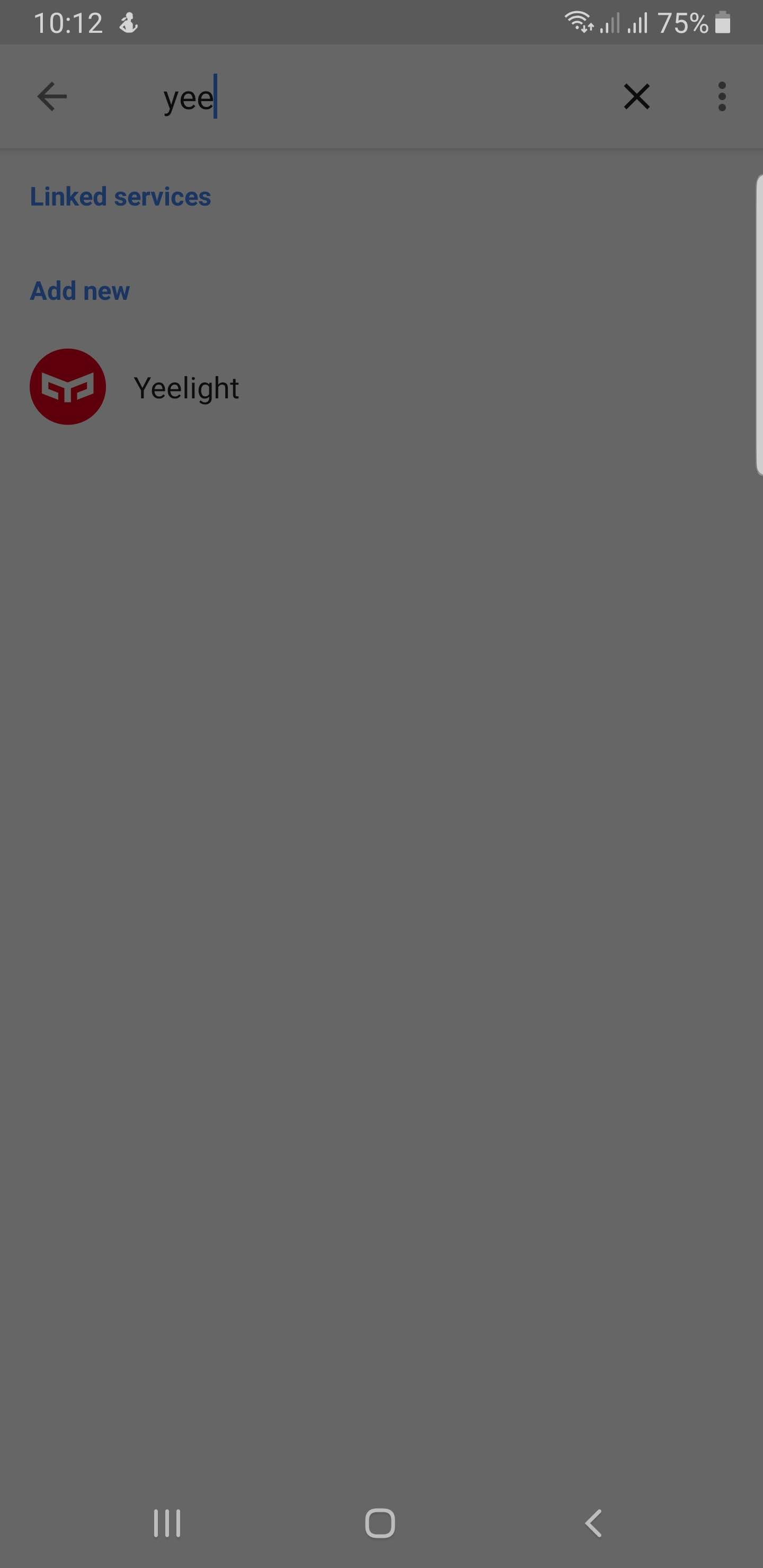
Problem: can not connect to google home. Everytime I choose Yeelight in the linked services, then it just freeze and did not open any browser to sign in Yeelight Mi account.
Here is the screenshot
Please help.
Thank you
I face the same issue. I’m using an iPhone.
@yusure
I also cannot add the bulb in Google Home. My MI ID is 6302457853.
Sorry to keep you waiting, please login this website and check it out if “Yeelight” exists? Please tap “Unlink” button if exist.
@krackker
Hello,
Do you have MiHome device? Please show me your Xiaomi ID if not.
@Ariana Sorry about that, please use MiHome skill on GoogleHome, because your bulb is Mi LED bulb.
Yeelight doesnt exist .
What should I do next?
@ivankenzo
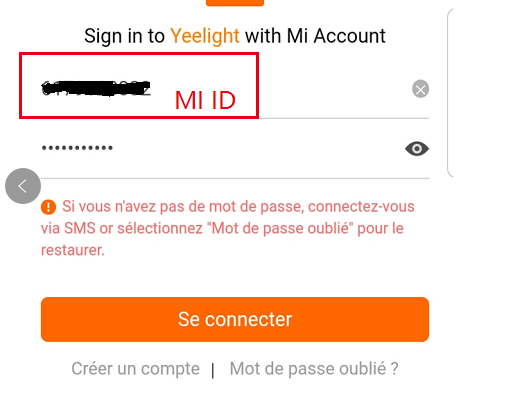
Please use Xiaomi ID login instead of email, like below screenshot
I also had trouble connecting my Yeelight to google home
@doithuong
Don’t hesitete, tell me your Xiaomi ID, please!
The problem is after i select Yeelight then nothing happen, no login screen.
I wait for long time but no browser or any page to login.
@ivankenzo
How about MIHome skill?still stuck when click skill?
Hello admin, I have the same problem, when trying to link the yeelight/mi home app with google home, no devices are added (I have 2 mi light bulbs, coloured, 1st generation), even though it doesn’t give me any error message. My MI ID is: 6279866463
Any Help?
same thing, I try using other device and its working but not on my Samsung Note 8.
Sorry about that, Yeelight skill doesn’t support MiHome devices.