@OdLirGomez
Could you give a screenshot about Yeelight App left menu? I need to double check your Xiaomi ID, please.
@Vlad1974k It still doesn’t work ?
@yusure sure
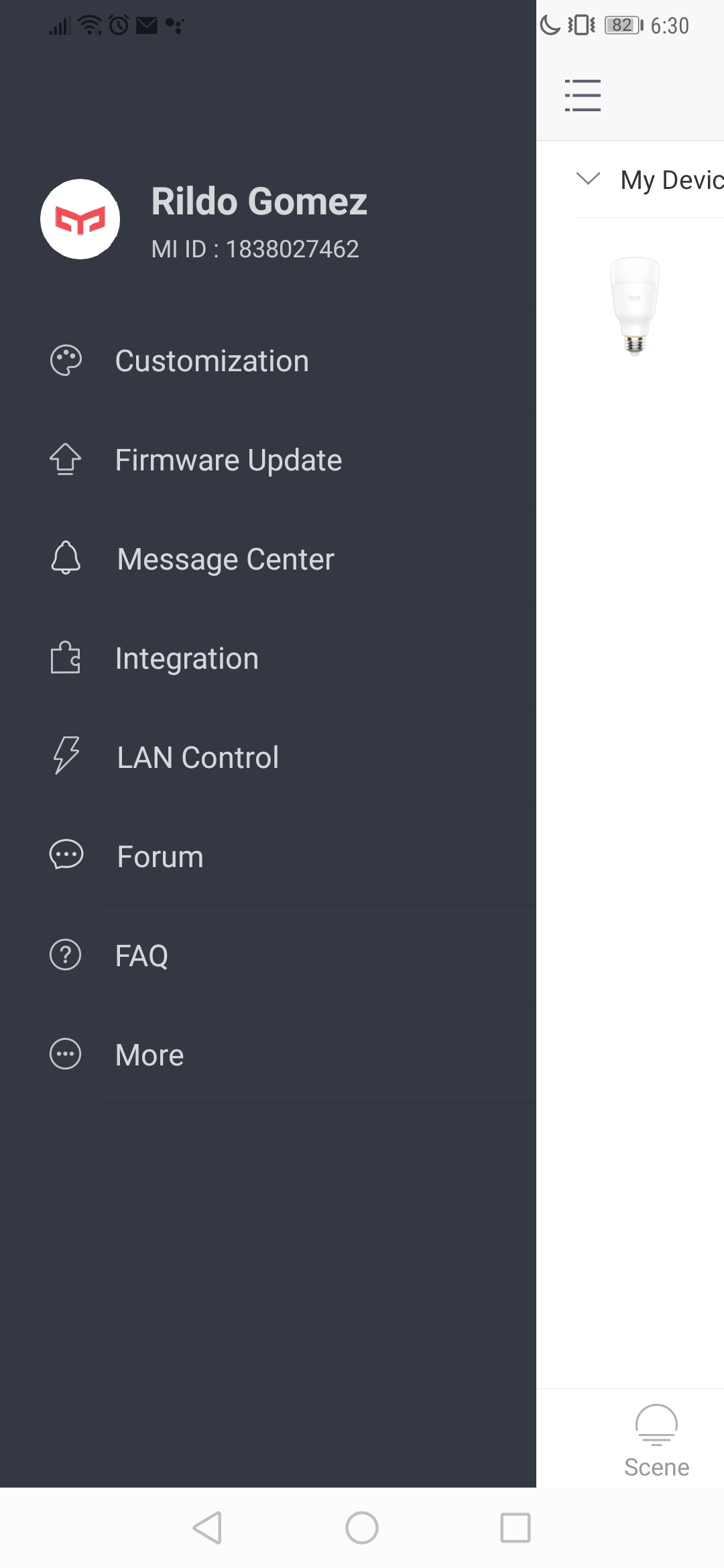
@yusure Hi, i have two yeelights and i did everything to connect google home. Couldn’t do it. I connected from Singapur and my id is: 6285286317. Could you please add me? Thanks a lot!
Hi can you help me please in google home App I cant link the yeelight I try to add and is says linked successfully but doesn’t show the my yeelight ID 6294279652 is singapore server already thank you
@OdLirGomez
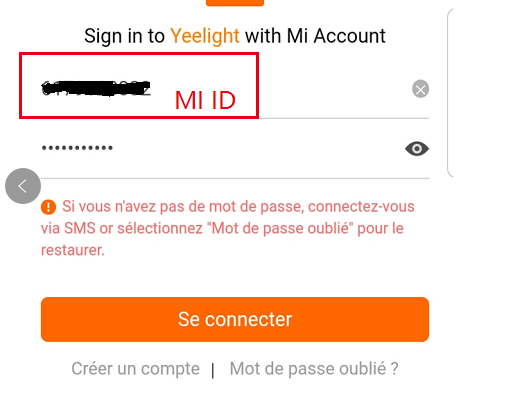
Hi Rildo, It would be beteer if you re-link Xiaomi account by Mi ID (1838027462) instead of email, like this:
1 个赞
@Vlad1974k
Actually, I didn’t find any devices, could you give me a screenshot about device list on Yeelight App?
@krmltn
Sorry about that, you had two MiHome bulbs, please use MiHome skill on Google Home App.
Please have a try this way.
Thank you @yusure i got an error at first but now it’s working 
@OdLirGomez Good job, bro!
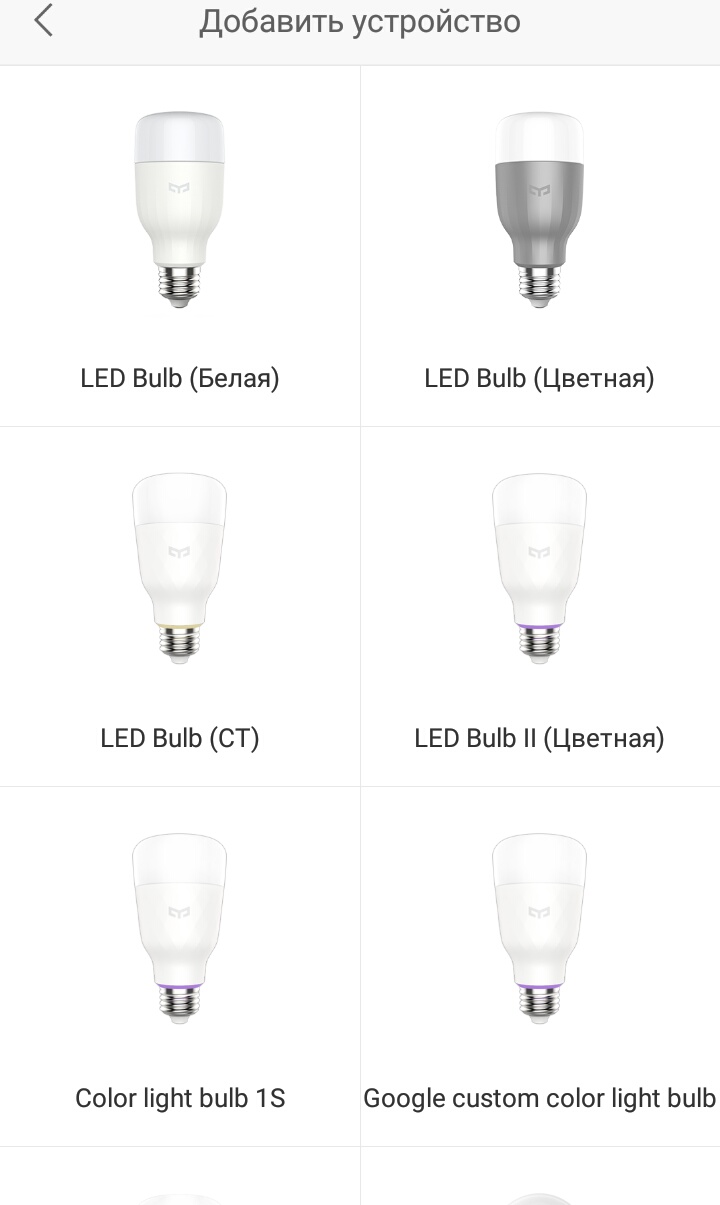
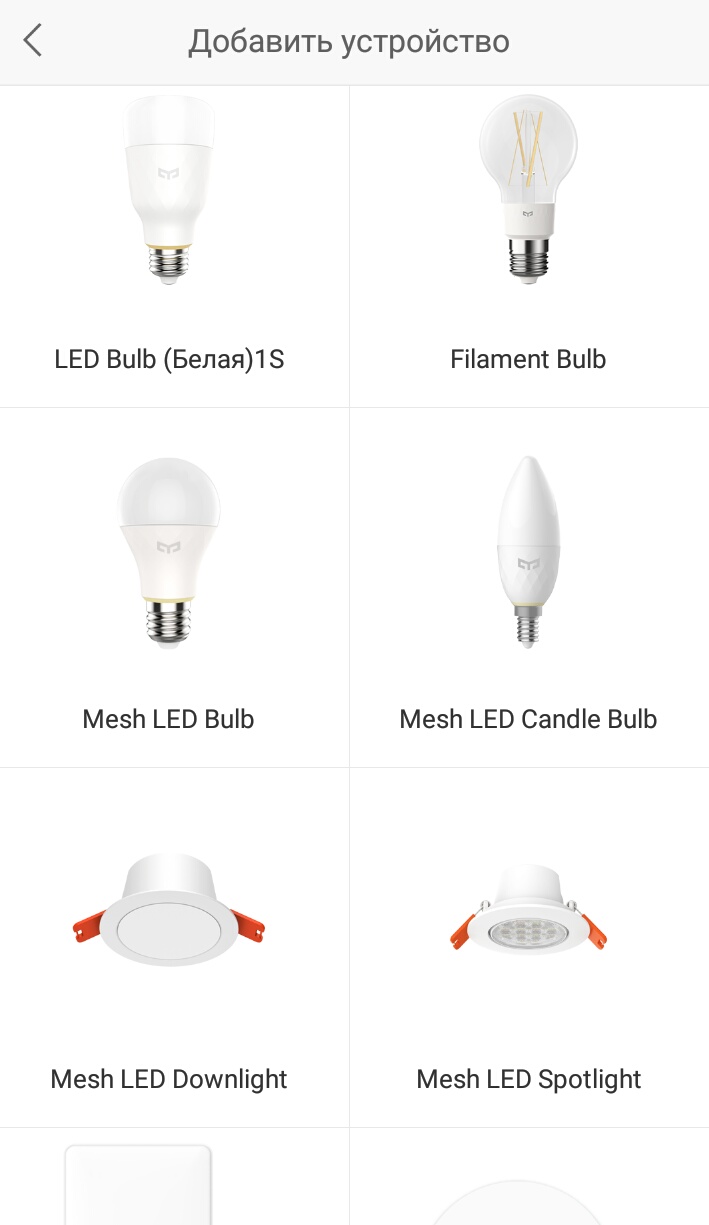
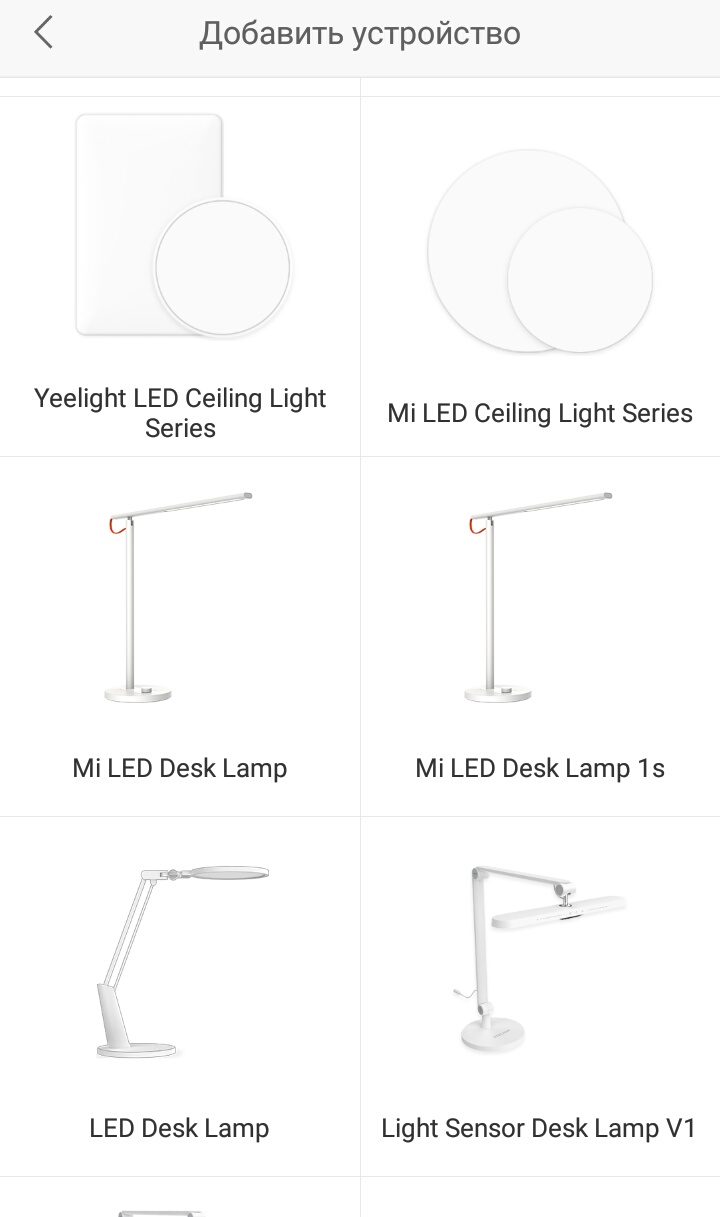
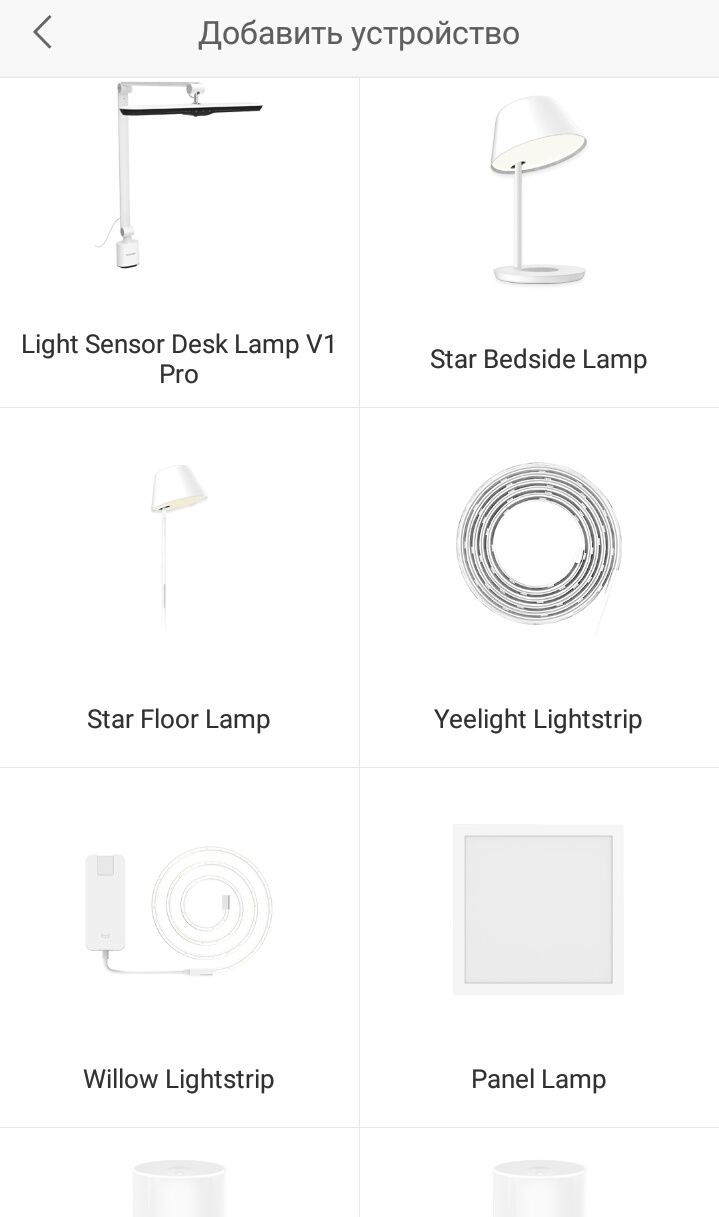
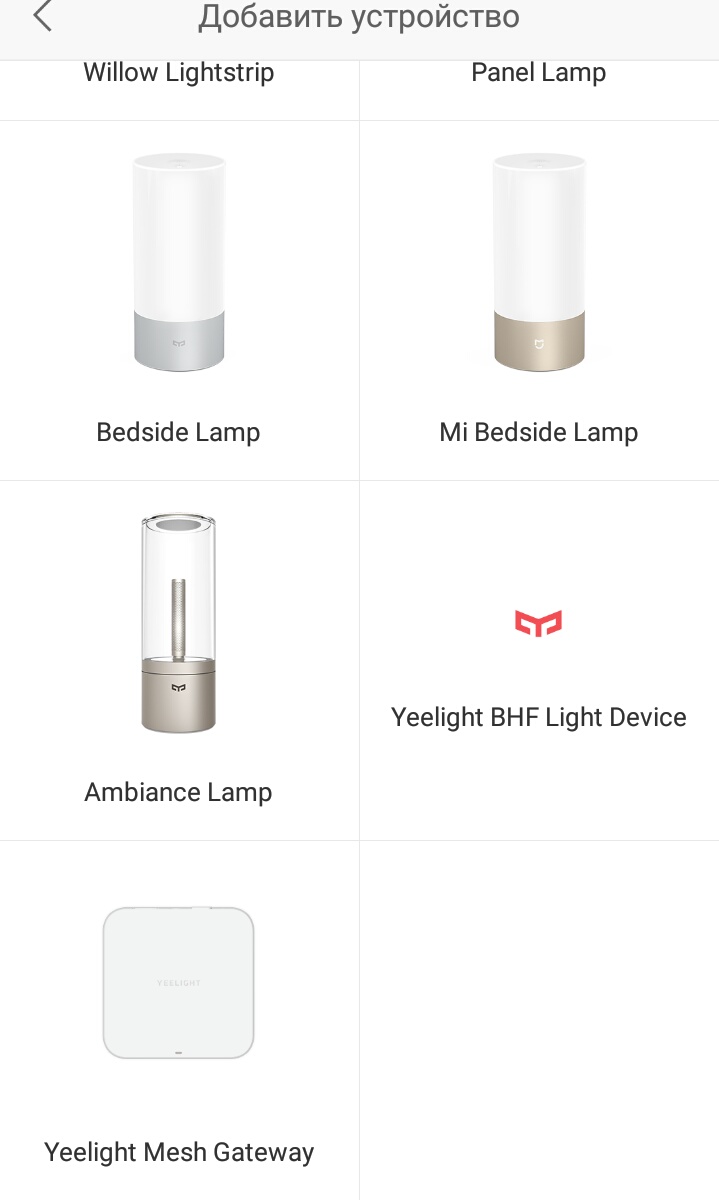
В списке нет
Yeelight JIAOYUE 650 светодиодный умный потолочный светильник
@Vlad1974k
Can you control it by Yeelight App?
Нет …так ничего вайфай и блютуз…лампу не смартфон…не ноутбук не видит …а вот mi home …скан…регион Китай…IMG_20200312_155627|238x500
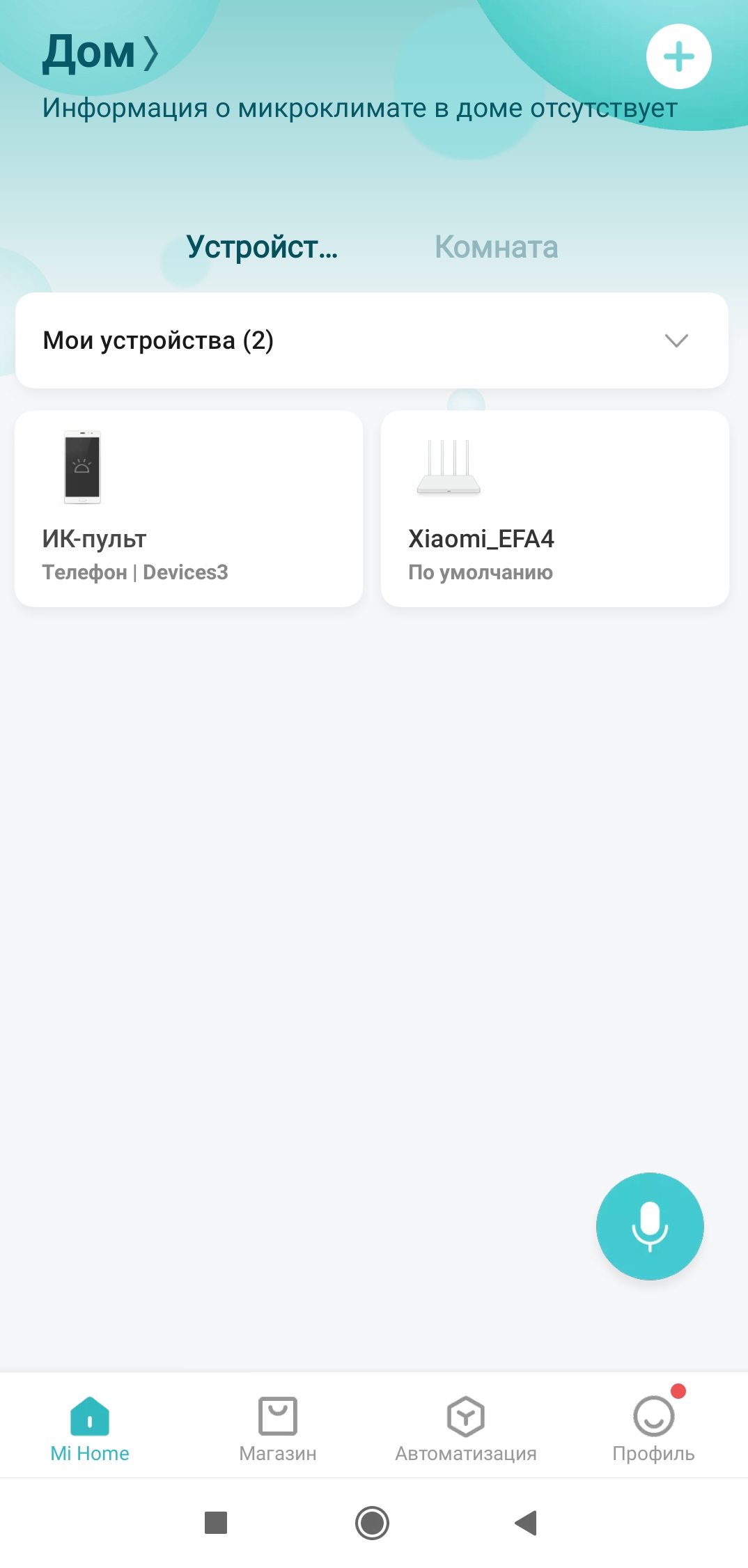
Hello, my Yeelight account is supposedly linked to my Google Home app (iOS), but no devices are showing up in the home app. I’m trying to connect the Mii Smart Desk Lamp. I’m on the Singapore server and my Mii ID is 6298156788. Thanks for help!
@Vlad1974k
It looks like you didn’t have any bulbs, please bind your bulbs on MiHome app, then sync devices on Google Home App.
Sorry about that, this isn’t Yeelight brand.
В приложении Mi Home лампу тоже не находит …
But it is. I’m using it through the Yeelight app with no problem. It’s the Xiaomo Mi Smart Desk Lamp.