@Cipsicko Because that another bulb is Mi brand.
@ivankenzo
No idea, maybe that is GoogleHome issue, might I suggest, have a try clear GoogleHome app cache data.
Hi, I am having trouble to connect my 4 Yeelight LED Bulbs (Color) 2 to my Google Home Mini. When I tried to connect it from the GoogleHome app, it states that Yeelight is linked and the account has linked successfully. However, there are no changes appear and I still can’t control my Yeelight Bulbs through the Google Home Mini. I am connected to Asia and Oceania (Singapore) server and my MI ID is 6220074625. Please help me with this. Thank you!
I’m having the same problem. I am connected to the Europe server and my ID is 6276614370
Hi @yusure , I have problem with link Yeelight account to Google Home. I’m connected to German server, because I’m from Europe. I tried Singapour server, but problem remained the same.
My MI ID 1563379499
My lights are Mi Bedside Lamp (MJCTD01YL) and Mi LED Desk Lamp Pro (MJTD02YL) and my phone is Mi 9T Pro (same model as Redmi K20 Pro).
I know, that my lights are Mi brand, but Mi LED Desk Lamp Pro isn´t supported in Mi Home app, and Yeelight app is much better and works perfectly.
Please, can you check my Yeelight account? I don´t know, where is problem…
@josh14
Hi Joseph,
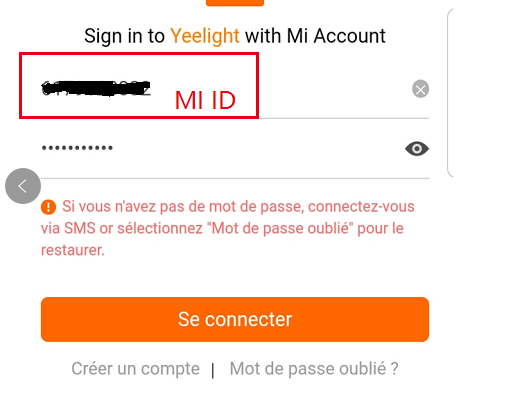
Sorry for the late reply, actually I didn’t find this ID’s logs, please re-link account by Xiaomi ID instead of email on GoogleHome app, you can refer below screenshot.
@TST248
Hi, what’s your device type?
I’m sorry about that, Yeelight skill on GoogleHome only support Yeelight products, why don’t you have a try by MiHome skill on GoogleHome app? Maybe it works.
Hi. I just bought two Xiamo desk lamps. Tried connecting them to Yee Light app and Mi Home app. They work on the app but cant connect them to google home. Ive tried linking it to Google Home (tried Mi Home and Yeelight). Google home app says accounts are connected but I dont see my lamps.
This is my account.
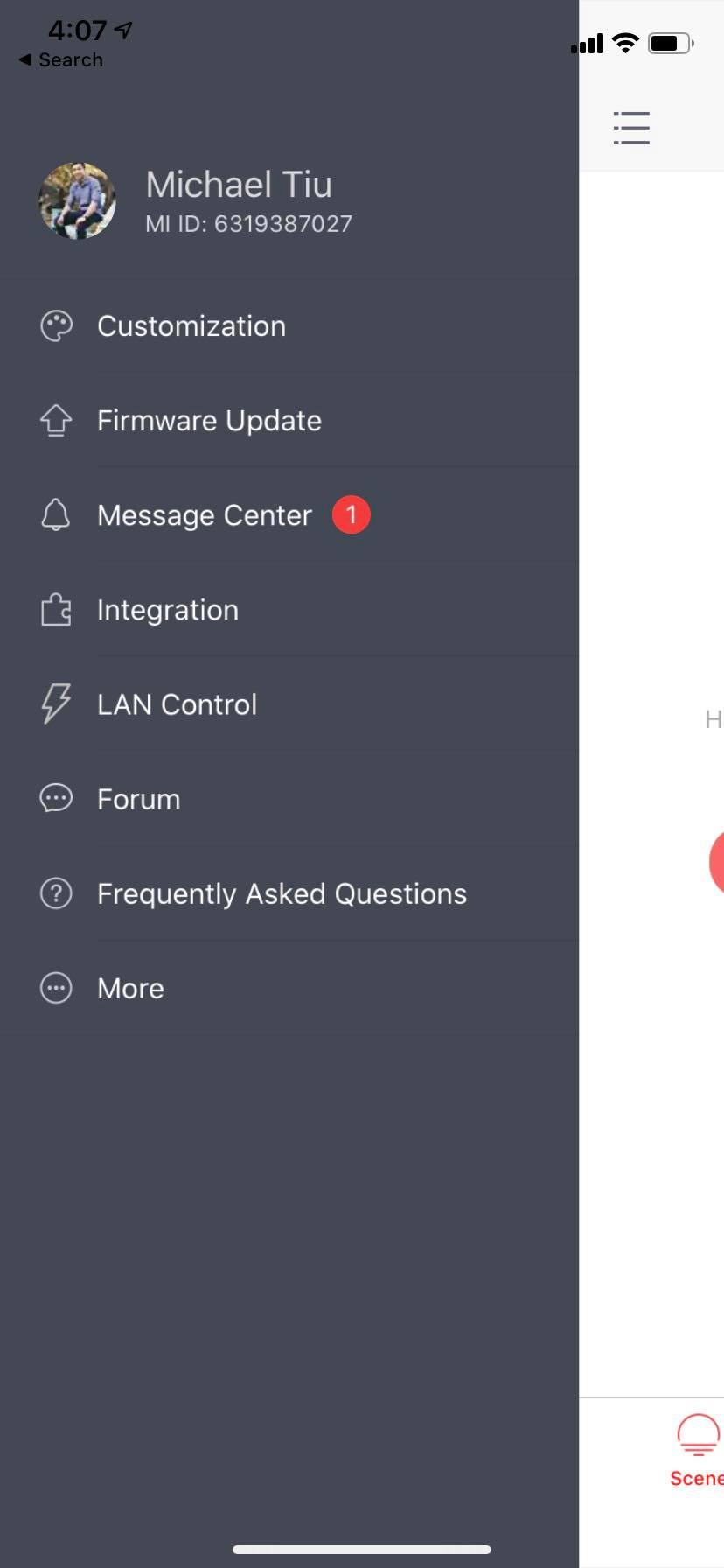
Mi ID 1609129652
I have 4 Yeelight bulbs (3 colour and one mono), all were working with Google Home until one week ago, everything stopped connecting. Google kept saying “cannot connect to Yeelight”.
I tried:
- Resetting and reconnecting all light to both Yeelight app and Google Home
- Tried all different servers
(actually the same happened with my Roborock… something is going on at Xiaomi…)
Hi @yusure im also not able to link could u please help my MI ID is 1625339432
Sorry about that, Yeelight skill cannot support Xiaomi products, please contact Xiaomi support team.
@ocean238 @Shindouz
Hi, I just found ‘DISCONNECT’ log on your ID, please re-link Xiaomi account on GoogleHome app then try to control it.
hi @yusure I have tried relinking my yeelight app to my google home still not able to see it on my bulb on the google home app main screen please advise
@Shindouz Only found a few scens, no device, please give me a screenshot about Yeelight APP(left menu + devices)
1 个赞
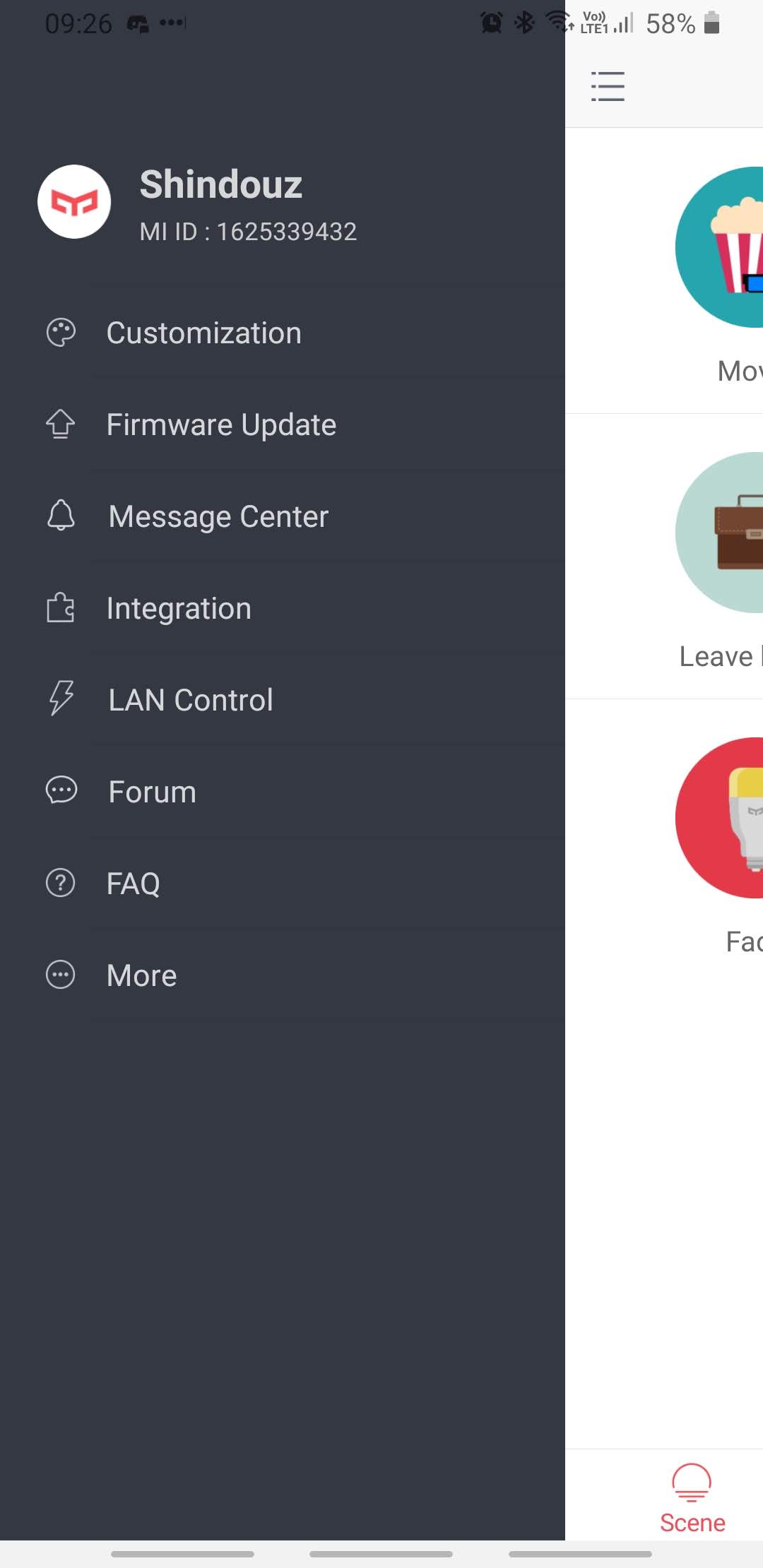
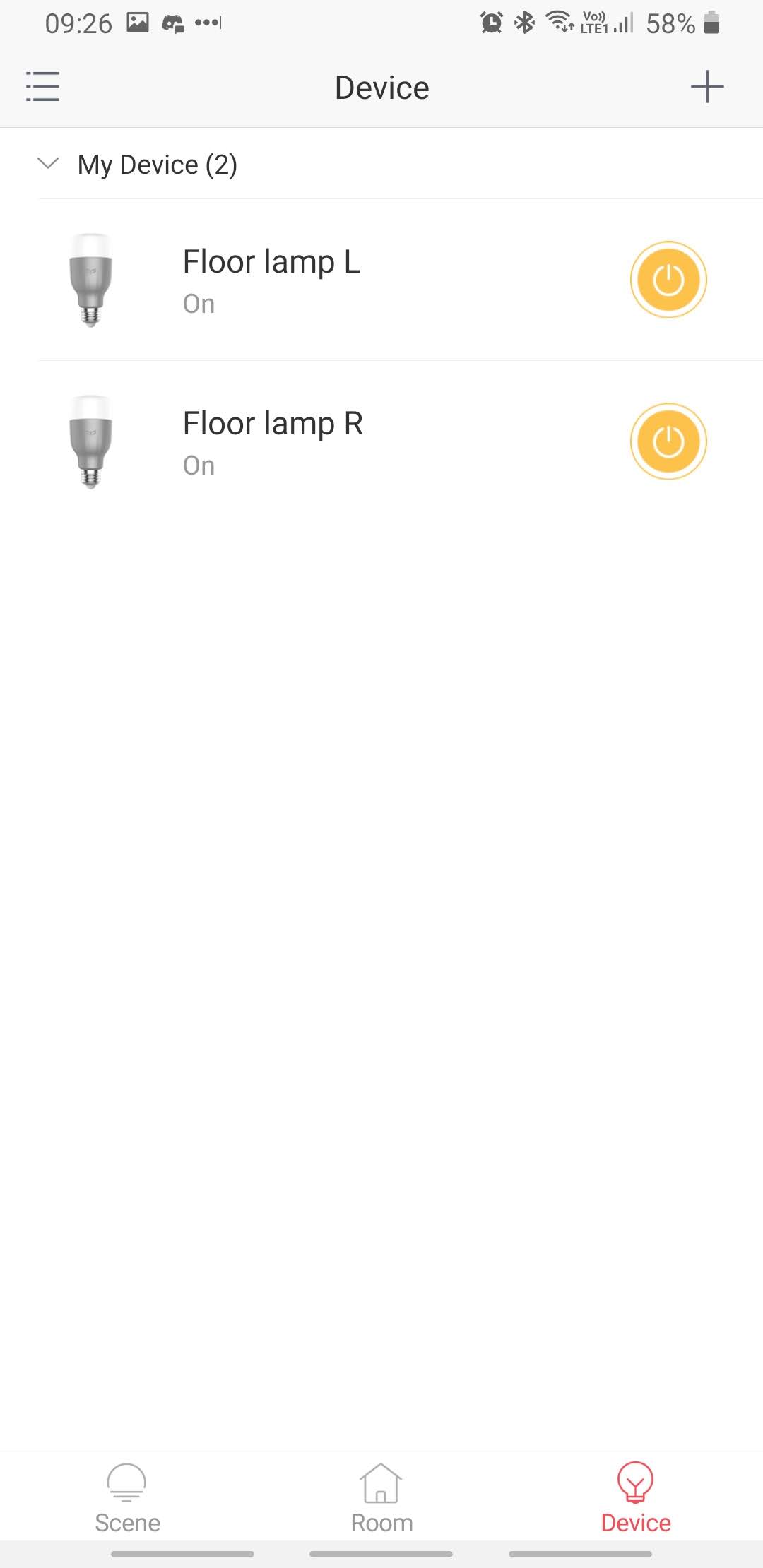
@Shindouz Thanks for your screenshots, let me check it for you.
1 个赞
ok let me know asap