Please have a look at my forum. I already did some tests with android 
2 个赞
Where can i download this program?
The Link is attached in the First post:
https://blueforcer.de/jeelightapp/
is there a way to make this work for a tv/console setup? i.e. with a raspberry pi?
Hi i just installed the windows version and added my lamp via its Ip.But the status is unreachable.Do i need to do something else?Lamp is connected and working with yeelight app.And my pc is connected with Ethernet.Is that helps.
Have you enable “LAN Control” of the lamp?
1 个赞
Activate LAN Control of the lamp on the yeelight app.
Loving the ambilight feature and will be testing it with ledstrip and two lamps. Thanks a ton
well guys ! i know it might sound stupid… but will this jeelight work with Mi smart bulb ? hence both are the same parent company product !! if not… any other alternative for mi smart bulb?
Is there any update to this to make it work more consistently?
Only gotten the ambilight work once and nothing else, sometimes if I spam the reload button it will say connected and sometimes after that my led strip will flash green but then when I go to ambilight nothing will happen, also sometimes under “use” in the table it will just say no.
After a very long time I have sat down again at jeelight and published a new update (2.3).
This fixes a problem where some settings are not saved.
Furthermore the online database for the effects was reactivated and moved to my new server.
You can now download effects and upload your own effects.
2 个赞
Wow, thanks I am getting the ambilight to work more often now which is great!
1 个赞
Hi! My RGB strip works very well with the ambilight function but,my bedside lamp (1st generation)can not sync with the screen ,the bedside lamp did have some reacition when i click it (green color flash),and yes ,the bedside lamp works very well in other tab like in the playground tab ,so i think it is not the internet connect issue.
looking forward your reply . ( jeelight2.3 ,windows 10 )
I can’t find out the “.exe” file
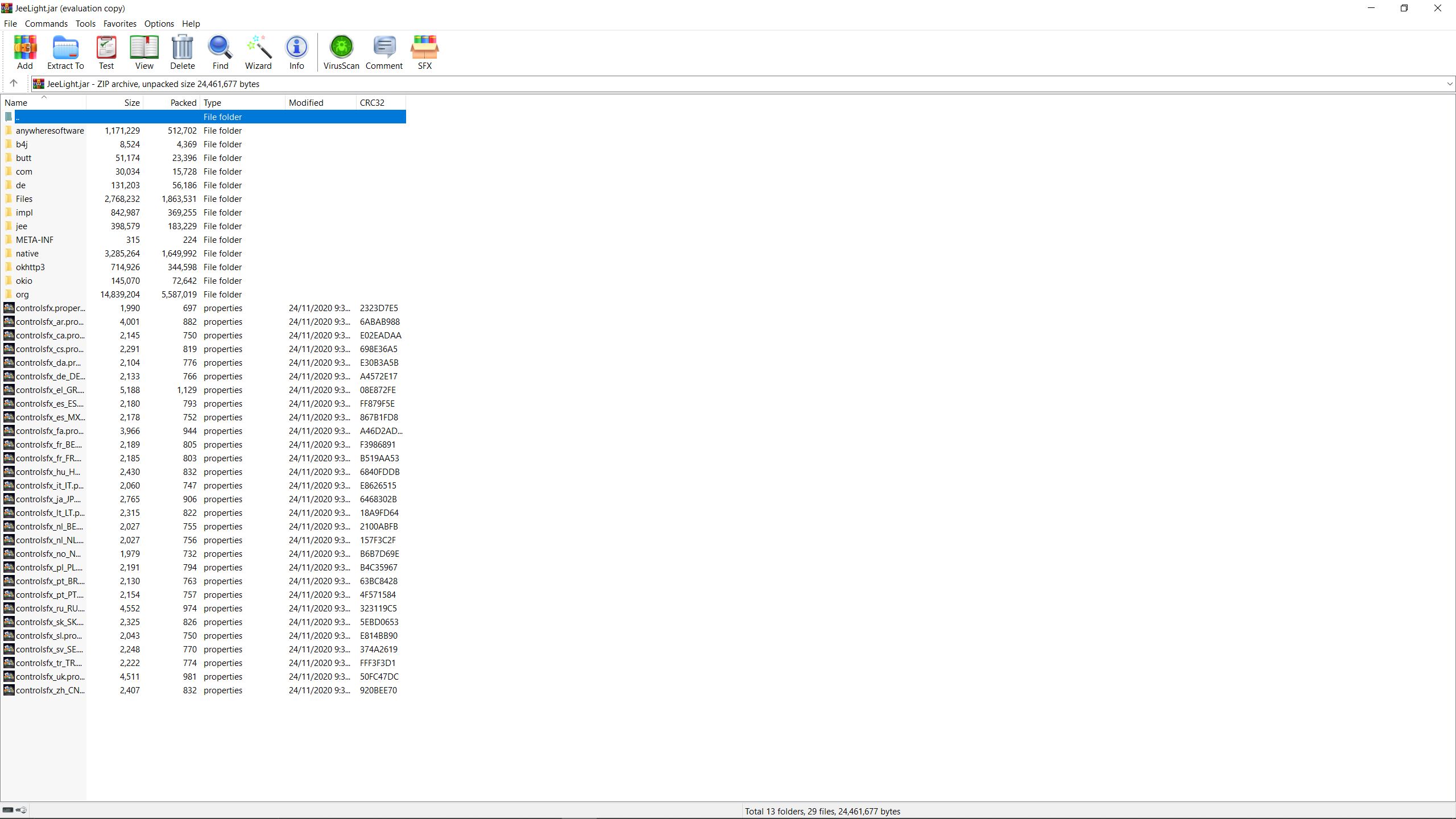
Just found the “.jar”
How do I use “jeelight” in win10?
Thanks in advance
要下载java
谢谢
LIFX!
OK, so current Yeelight strips have very limited functionality on mobile devices, because their support was moved to Xiaomi Home. The app doesn’t even allow enabling LAN control, which can be done only by installing an older app simply called Yeelight. Once you do that, you can use the Yeelight Station desktop app to enable some advanced features like Color Play (ambilight) or Music Flow. You can even hack it so it uses all zones (8 for a 2-meter strip), but it still lacks some features that the JeeLight app had. For example, you can’t even set the overall ambilight brightness. And there’s no hope Xiaomi or anybody else will pick up the development of Yeelight Station to make it better, because this ecosystem is basically dead. Even this very forum is full of spambots because nobody moderates it anymore.
Unfortunately, the JeeLight author took it down, even though Yeelight strips still sell well in some parts of the world. I managed to find JeeLight v2.27 through Internet Wayback Machine, but the latest version I know of was v2.7. Does anybody have it archived somewhere? If so, can you please share it?
Edit: nvm, I just found the 2.7 version here: https://drive.google.com/file/d/1kvF4_JbkM2HYQlZNb-o-8QzRpnRzB8An/view?usp=sharing