OK, I have a bulb that has stopped responding today. I am going to give you any info you need to diagnose why. The first thing I want to show you is below, I have 6 yeelights in a single room only metres from each other, and only 1 of them has stopped working. This is very normal (and frustrating) and will continue to happen, if I left it long enough they would all end up like this. Obviously it’s the one that is still lit, which should have been turned off by a timer when motion stopped but it is now unreachable:
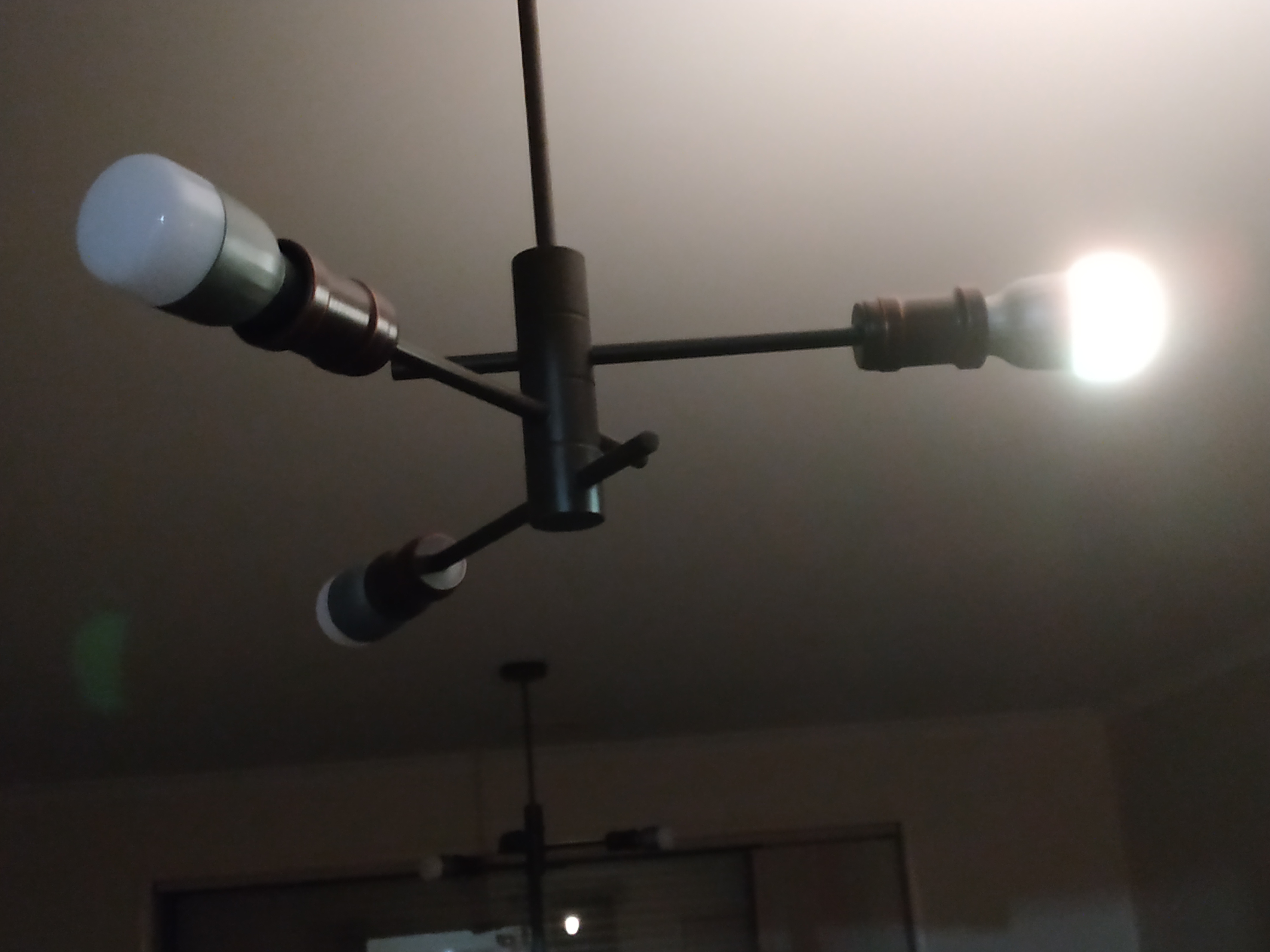
In the app, as you can see, it shows offline:

It does not respond to pings:
6 packets transmitted, 0 received, 100% packet loss, time 5126ms
I check for any instances of its MAC address attached to my router, it is not attached currently. I see all my other bulbs but not this one.
Thankfully my router logs via syslog to a server on my network. I pull up all of the logs and I see:
Bulb with that MAC address was performing handshakes every 10 minutes up until that point (please give me an email address and I can send the full logs to you) UNTIL the bulb itself seems to disconnect:
Dec 9 06:01:15 xxxx hostapd: wlan1-2: STA xx:xx:xx:xx:66:fa WPA: group key handshake completed (RSN)
Dec 9 06:11:15 xxxx hostapd: wlan1-2: STA xx:xx:xx:xx:66:fa WPA: group key handshake completed (RSN)
Dec 9 06:21:15 xxxx hostapd: wlan1-2: STA xx:xx:xx:xx:66:fa WPA: group key handshake completed (RSN)
Dec 9 06:31:19 xxxx hostapd: wlan1-2: AP-STA-DISCONNECTED xx:xx:xx:xx:66:fa
Dec 9 06:31:24 xxxx hostapd: wlan1-2: STA xx:xx:xx:xx:66:fa IEEE 802.11: deauthenticated due to local deauth request
It is not heard from again after this point. Does this not show the bulb disconnecting from the wifi network, and why would it do that? None of the other bulbs surrounding it are affected.