Hallo,
I want to set up a range of IKEA Kajplats bulbs with a Yeelight Smart Hub E1 and connected to a Alexa Spot (first generation).
So far I have set up the Hub and established a Threads Network. But when I want to put the bulbs into the network there are issues.
First: Set up by the Yeelight App: The bulbs are recognized, but at the second step of entering the network the procedure is ended by a error.
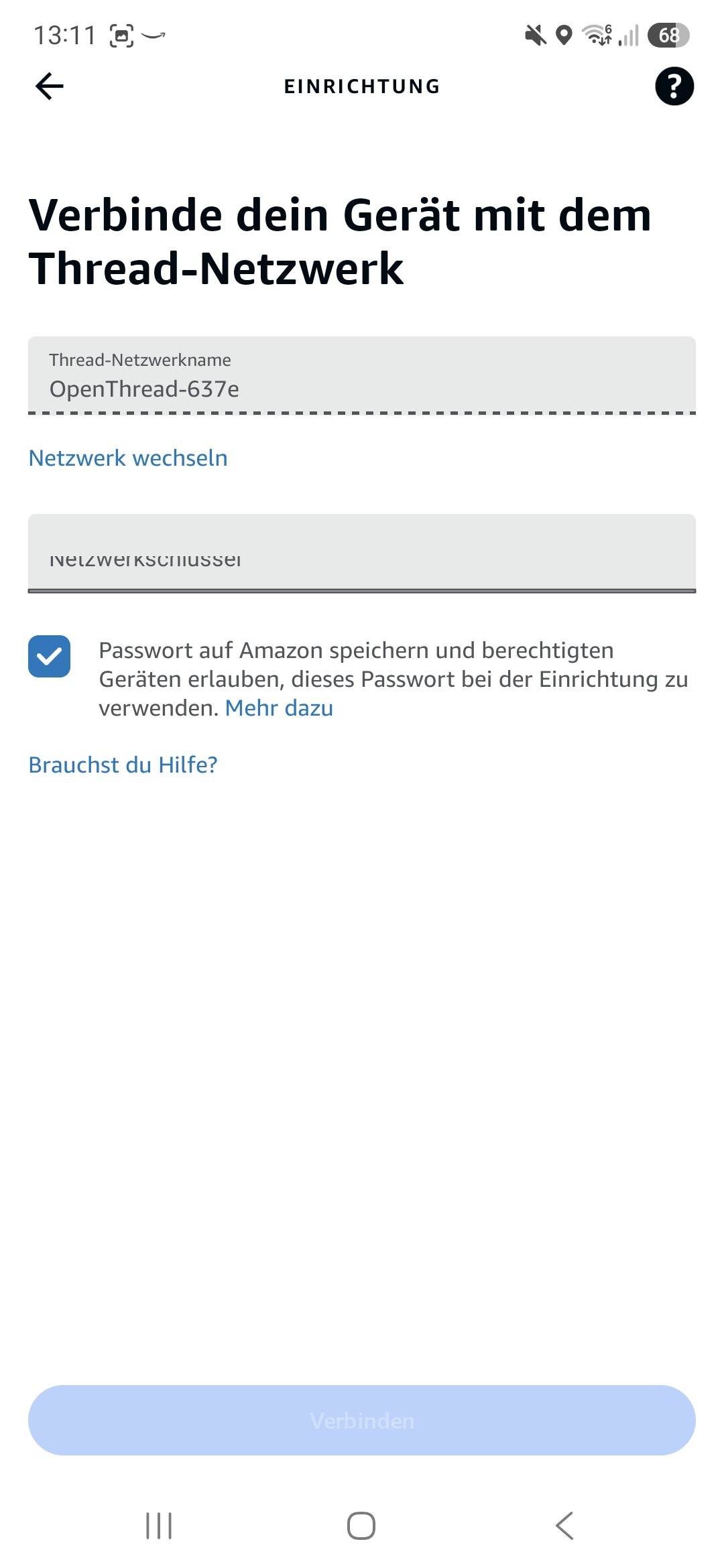
Second: Set up by the Alexa App: The bulbs are recognized, the threads network is recognized, but to enter the network a password is required. I have not established a password, nor do I know it. Is there a default password? Or how do I establish a threads network without a password?
Screenshots can be provided if neccessary for the troubleshooting.
Thanks in advance
Georg
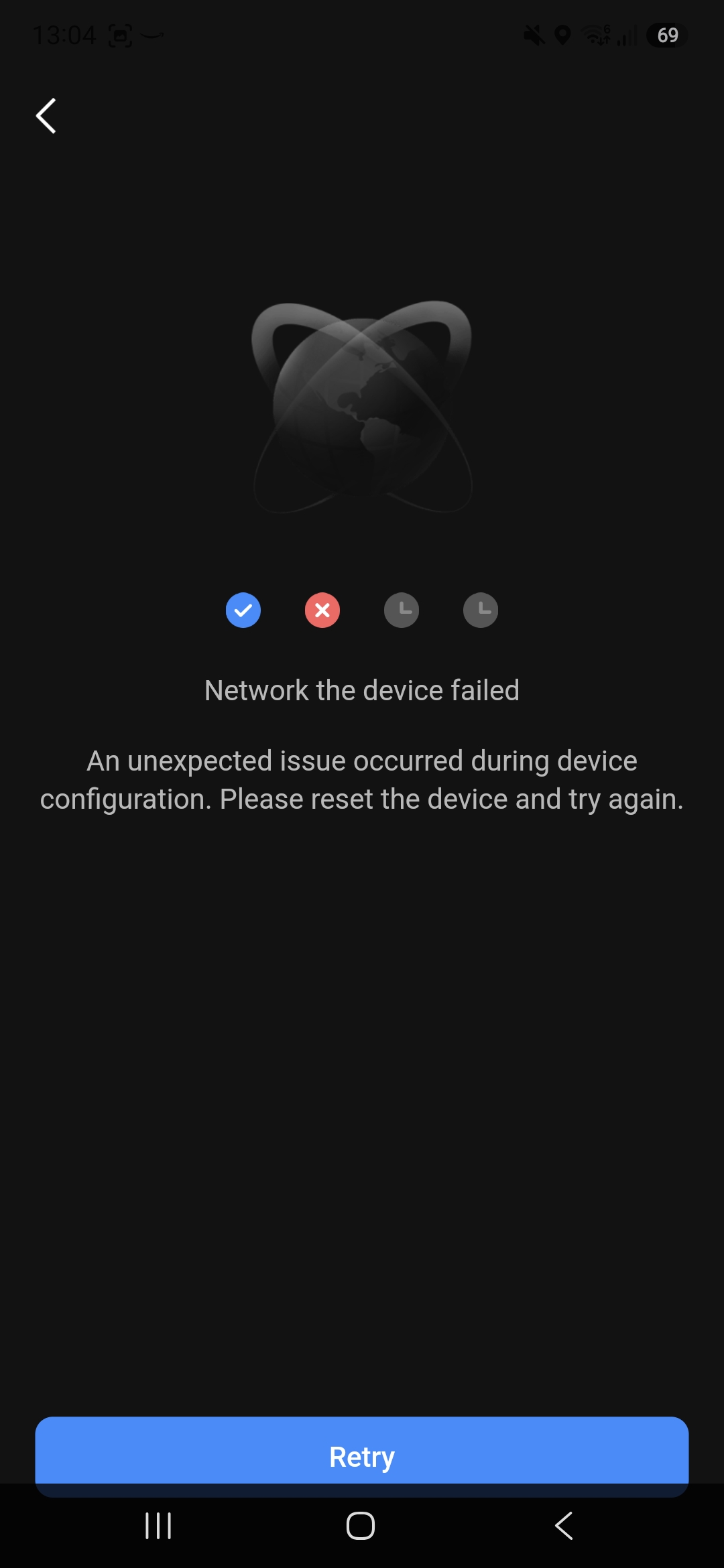
Some additional information: When connecting via the Yeelight Pro App the process ends in the “networking the device”-part when the process is up to 80%. After reaching 70% it stays some seconds, the bulb goes dark for a moment, the process indicator jumps up to 80% and is terminated. The error says: “Network the device failed An unexpected issue occured during device configuration. Please reset the device and try again.”
Screenshots:
Yeelight App
Alexa App (german)
Did you ever get this working? I am trying similar in SmartThings but need the 32 character network key to add the thread network. I tried to add the Ikea devices to the E1 hub but got similar errors. Yeelight support says they don’t provide the 32 character network key and 3rd party Matter devices are not supported.
Just trying to see if anyone got it working.
No. I didn’t follow this way, but went to the IKEA-intern solution.