I have the same problem. My ID: 6357617831. Server: Frankfurt @yusure pls help i try alot of times to conect disconect and nothing working thx if you help
Is this still active?
Anyhow, I cannot connect my Yeelight app to Google Home. Singapore server
Mi Id: 413434877
Please help. Thanks
Hi,
The same problem. I can’t link my yeelight bulb color 2 with google home. I’m on Europe server. 1881206087.
Please help me! Thanks!
Hi
I have the same problem also. Can link my yeelight account on Google Home but I can’t see my yeelight bulb 1SE on it. Singapore server.
Mi ID: 6332754807
Thank you very much.
Hi @yusure
I am currently having the same problem, when trying to add to google home, it loads “linking to yeelight account” then just suddenly ends without being connected at all. I tried several times. I am connected to North and South America (Oregon) server.
Mi ID: 6359785633 \
Thank you
Hi, same like the others, my Yeelight not showing in google home thou stated Linked successful…
my MI account: 252844099
Singapore server…
login in thru Mi acc…
No reply yet??? Please update… thanks
Dear Yeelight team,
I have the same problem when I Link my yeekight account to google home I can’t see my bedside lamp 2 on the google home interface.My id is 1838272380. Thanks in advance. Regards
Hello, I have the same problem, I can’t see my 6 yeelight bubble led color on my google home.
My ID: 1787270626
thanks
Hello, I am unable to add bulbs via yeelight in google home. New bulbs are not imported, the old is always ok. I am the europe server (frankfurt in yeelight and on france in mi home). Oddly in google home what I do it systematically integrates the same bulb even by resetting all, but just one id: 1872340500
Hi @yusure
I’m having the same problem to other people. I’m using Yeelight app to control my color bulb and it’s working perfect. Reading this answers, I changed my region to singapour, reset my bulb and everything is working perfect.
My problem is when I try to link the app with Google Home. Like others, my account is logging in correctly but no devices are shown. I add some screenshots of my phone.
My xiaomi ID is 1731442595.
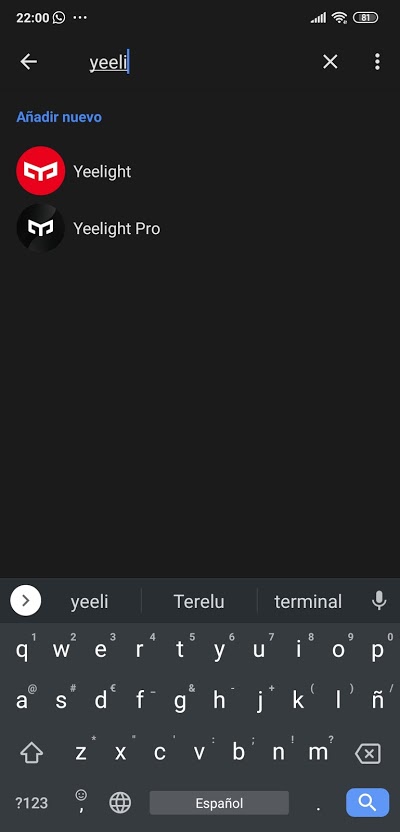
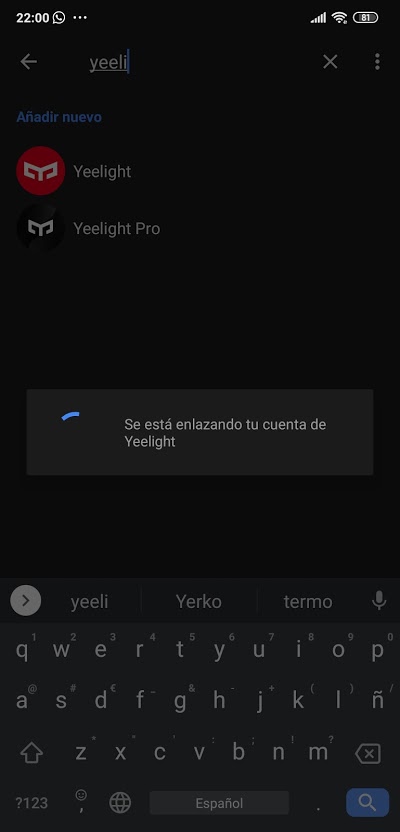
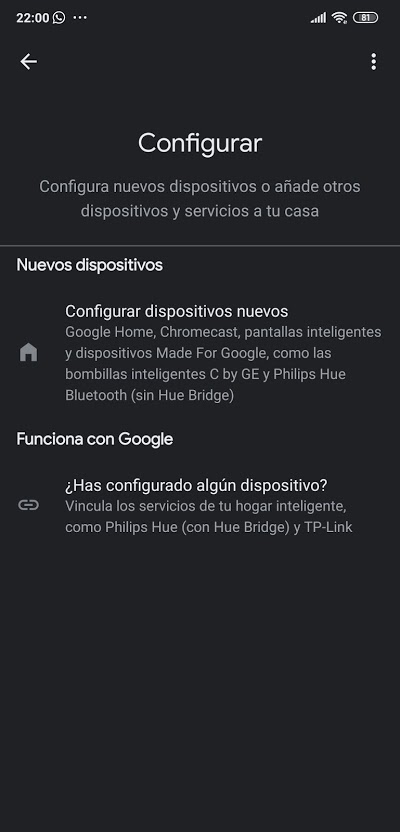
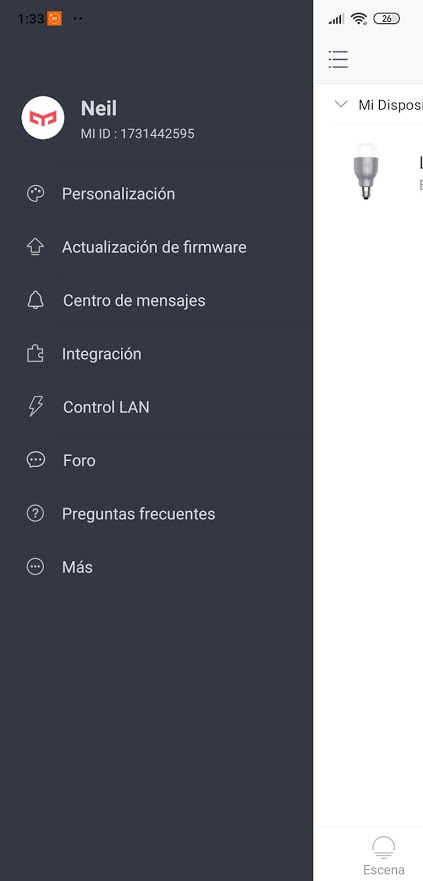
I am having same issue, I cannot link my Yeelight account into Google Home. When I try linking it, it just disappears and nothing has changed. MI ID: 1900135847. Thanks!
To those of you who cannot connect Mi Home/Yeelight into Google Home, here’s what you need to do:
- Close all apps
- Uninstall Google App updates
- Open Google Home App
- Re-link your Yeelight / Mi Home Accounts
- Device(s) should now appear in your Google Home
P.S.: There are 2 Yeelight in the market, the white and the gray (silver) one. The silver one is the old yeelight and is not working properly when linking yeelight account into Google Home app. You could see the account was already linked but there is no device added on the app, therefore you should use Mi Home.
Sadly the colors are out of calibration like when you try saying “Hey Google, change light color to white” and you will realize the color isn’t white compared to what you adjust on Yeelight / Mi Home app itself.
This not solved the problem, same result.
Hey @lolopepes,
What issue were you facing?
When i try link Yeelight, say Yeelight is already vinculed, but later say an error has ocurred.
Hi,
Have you tried using Mi Home instead?
What kind of Yeelight do you have?
I tried everything and i cant connect the Yeelight app into Google Home. Really frustrated with this products.
I really want to link the Sunset action into a google Routine and cant do that with the Mi Home app. @yusure please help. ID = 1733282137
Hi Admin ,
I tried but still unable to link Yeelight to Google Home.
I using iOS, my mi ID 327021845
I have this product.
I cant connect google home. my account ID = 6363841800