I got the same problem and cannot connect to google home…I try it many times but doesn’t work…
color3 is MiHome device, sorry about that.
i could see my color3 bulb on google home via yeelight app before the firmware update. Please downgrade it. i dont want to use different apps… additionally mihome app doesnt show any color3 bulb on app…
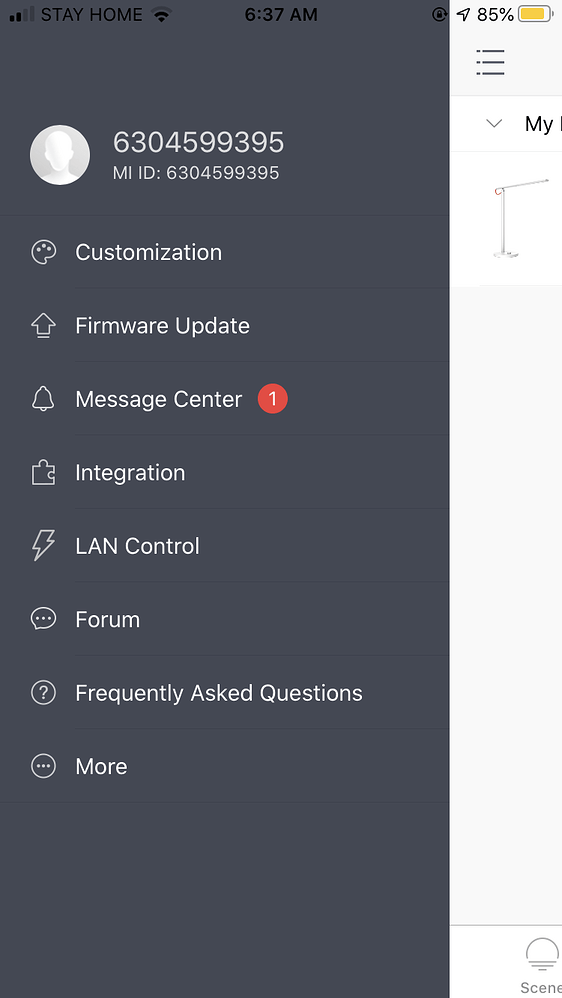
I can’t see my Yeelight on Google Home at all. I’ve tried this many times: From Google Home, Home Control, add Yeelight Actions. This opens a browser to sign in Yeelight with Mi Account and says " Linking your Yeelight Actions to Google Home." It then completes but no device is added. My Mi ID: 6304599395
Hello I have the same problem. Can log in and it’s trying to add the devices but nothing is there after it finished.
My Mi ID: 6328134015 devices are 2 LED Bulb (color) Yeelights.
It is really annoying and my problem is not solved
I have the same issue please help me to the connection screen is popping up but after that it does not work at all.
Mi id:6330256785
What is that mean mine is color.3 too. I bought it for google assistant support ???
Same problem with my yeeelight bulbs my id is 6331128539
Hello there. I’m having the same issue. The bedside lamp connected to Yeelight. However when I try to connect to Google Home it said successfully linking but no bedside lamp in GH apps. Kindly assist me on this matter. Mi ID is 323612951
Hi Team,
I’m having almost exactly the same issue as other users: can’t make Mi Bedside Lamp 2 appear in Google Home. After signing some of the confirmation screens appear, but nothing happens, the lamp is just not there. As per previous suggestions I’ve cleared the browser cache, I’ve even reset the lamp a few times, but still a big no for me. My MI ID is 6183182597, server I’m using is Frankfurt. Thanks in advance!
Bedside lamp i think is available only with Google Home skill for mihome, not yeelight. Try linking mihome skill in GH.
The app I’m using is Yeelight. The lamp is a Yeelight device. Why would I have to register in another app/website to be able to control the lamp…? This doesn’t make sense.
Because it is sold as Mi Bedside lamp, not Yeelight bedeide lamp  You don;t have to register anywhere, both apps use same servers. Nothing costs to try. But it is your choice, of course.
Oh man, I wasn’t exactly aware of a fact that I can use it, it worked, thanks a million!!! No issues, works flawlessly! Thank you so much
1 个赞
Glad that it is finally solved
Yeelight Ceiling Light 650 Не создаёт WF-Fi сеть не обнаруживаеться как устройство…ми хоме находит все и пылесос… и роутер и шлюз… Может не работает Вайфай модуль …что делать где искать запчасти…Как проверить рабочий ли модуль…
Hello,
I have the same problem. I bought a Yeelight bulb just now and I cant connect it to the google home app.
I press on add new and everything and I even get a success msg. though I cant see it on google home.
This is my ID: 6332048161
Please can anyone help me with this?
Thanks
say “hey google, sync devices”
Hello, I have reset my Yeelights yesterday and ever since i can connect them to the Yeelight and Mi Home app but cannot make them appear on Google Home. What can I do to fix this? ID is 6173598501