I can’t connect my Yeelight 1SE to Google Assistant/Google Home. Please help me. I already chose Singapura server. When I try to connect on Google, it says that my Yeelight account was linked, but the device doesn’t happen. Can someone help me, please?
@yusure @Amber_Sun
My Mi ID is 1598122078
Same pb with 2 BULB 1SE, Cannot add yeelight to my google Home…
My Singapura ID : 6247404316.
I have try with Europ Server same Pb.
And same with Amazon Alexa, she can’t find my new 1SE…
@Andreia
Sorry to keep you waiting, first of all, login this website and check it out if “Yeelight” exists, then tap “Unlink” button if it exists.
https://myaccount.google.com/accountlinking
Done. What do I need to do now?
@Andreia Then link your Xiaomi account on GoogleHome App(Yeelight action), it would be better use Xiaomi id instead of email.

I linked my Mi account again with ID but the device doesn’t appear
@Andreia
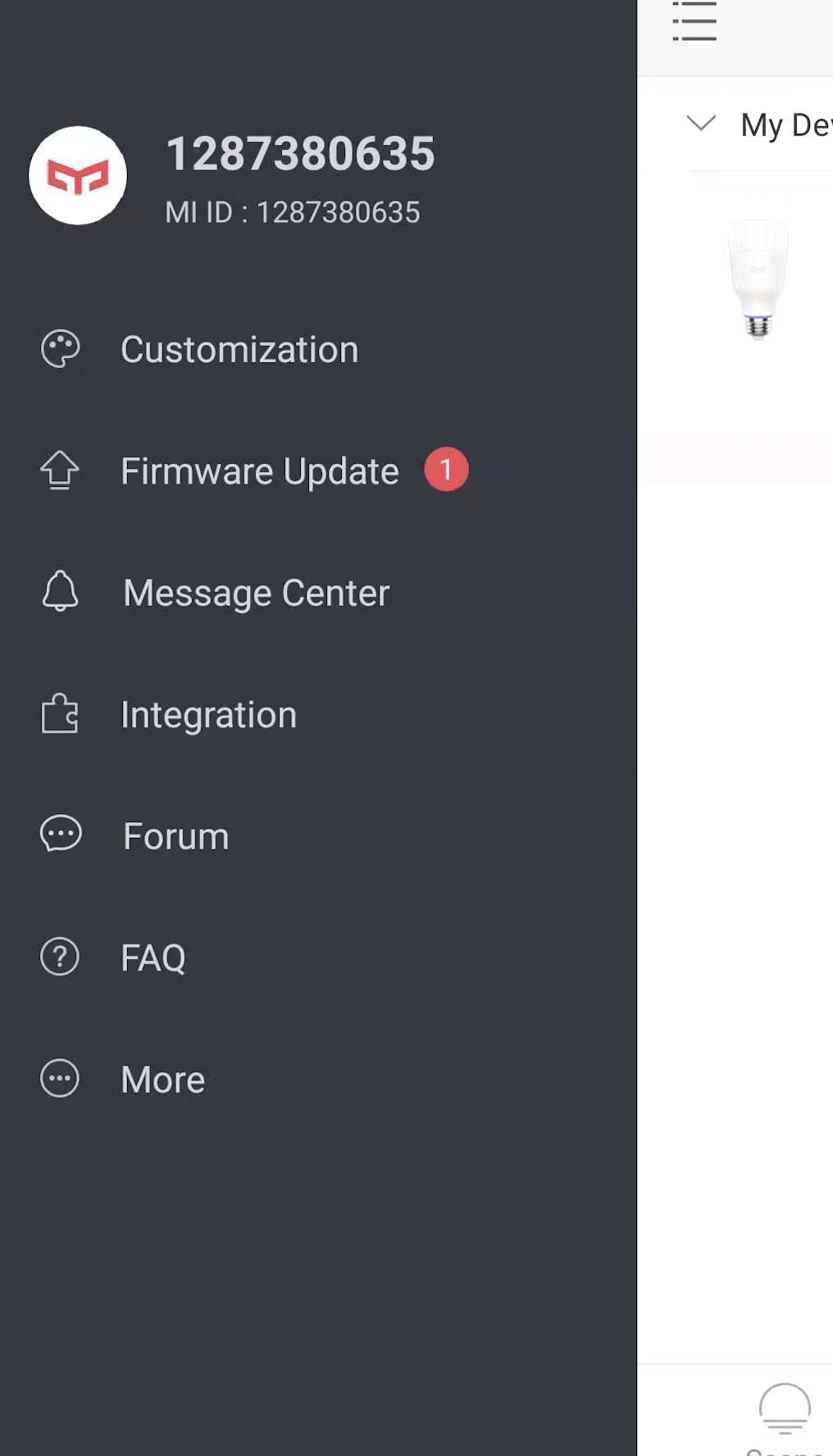
Please send me a screenshot about left menu, like this:
@Scandisk @Andreia
Hi you guys, please have a try this way again, then login Xiaomi account on GoogleHome app, 1SE(color)bulb jsut announced.
I received the update today. Now it’s working 
Thank you so much!
I have the same problem, can you help me?